The Five-Hour Giveback

Here’s the gap I see all the time. You believe AI can save you time. You’ve poked at ChatGPT once or twice. But you never carved out where it fits in your actual week, so it stays a someday project while you keep doing the same tasks by hand.
Five hours a week is real. Bluevine surveyed 942 small business owners in April and found that among those using AI, 48% are reclaiming at least four hours a week, and a quarter of them are getting back more than seven. But you don’t get there by using AI more. You get there by pointing it at the right three tasks and building a tool you reuse. Here’s how to find them and set them up in one sitting.
- Track your week for two days. Keep a running note on your phone. Every time you write something from scratch, jot it down: the listing description, the client follow-up, the customer email, the meeting recap, the social caption, the "circling back" message. You’re looking for the stuff you type over and over.
- Circle the three that repeat. Look at your list and find the tasks that are text-based, low-judgment, and frequent. A weekly update email counts. A delicate negotiation message does not. Start where the stakes are low and the volume is high.
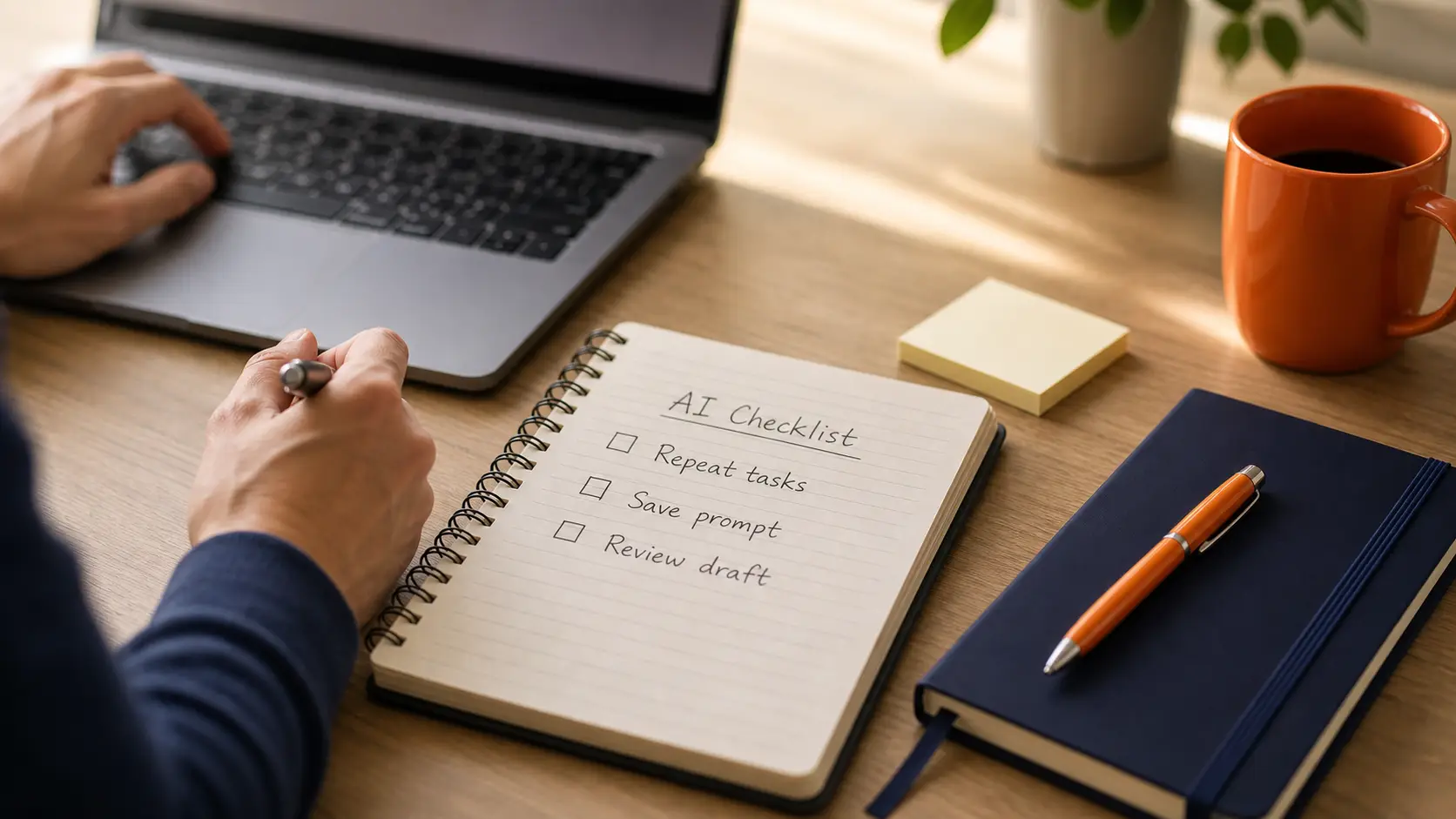
- Turn each one into a reusable prompt. This is the part people skip. Instead of asking AI fresh every time, write the request once with three parts: the role ("You’re my business writing assistant"), the task ("Write a warm client update email"), and your details ("the key points are below, my voice is friendly and low-pressure"). Save that prompt in a note.
- Test it once and fix the voice. Run it, read the output out loud, and tell the AI what to change. "Make it shorter." "Drop the corporate tone." "Sound like a person, not a brochure." Or even better, give it some sample writing from text you wrote. A few rounds and it’ll sound like you.
- Use the saved prompt next time instead of starting cold. That’s the whole win. The task that took you 25 minutes now takes 4, because the thinking is already done and stored.
What it looks like in action
You sit down Monday to write the week’s client update. Blank screen. You fuss with the opening line, second-guess the tone, and 25 minutes later you’ve got something fine.
You open your saved prompt, swap in the current details, run it, tweak one line, and send. Four minutes. You did that three more times this week with your follow-up email, your meeting recap, and your Friday social post.
Do this with three repeat tasks and you should feel the difference by next Friday. The trick isn’t working faster. It’s never starting from a blank page again.
Takeaway Tool: The "Should AI Do This Task?" Checklist
Print this or save it to your phone. Before you hand a task to AI, run it through these four questions. Three or more yeses means it’s a great fit.
- Do I do this task at least once a week?
- Is it mostly writing or organizing text?
- Would a solid first draft save me real time?
- Are the stakes low enough that I’ll review it before it goes out?
And here’s the reusable prompt skeleton to pair with it. Fill in the brackets and save it:
You’re my [role, e.g. business writing assistant]. Write a [task, e.g. client update email]. Here are the details: [your specifics]. Keep it [tone, e.g. warm and low-pressure], under [length], and write it so it sounds like a real person, not a brochure. Ask me anything you need before you start one question at a time.That last line does a lot of work. It tells the AI to fill its own gaps instead of guessing.
One more thing: prove it
Everything above is worth doing whether or not you measure it. But if you want to know whether you got your five hours back rather than assuming it, spend two weeks capturing a baseline before you change anything.
Three fields, tracked by hand, for the tasks you picked: what time you started, what time you finished, and whether it needed rework. That’s it. Most people skip this and then have no idea whether the new process is faster, because they never knew how long the old one took.
Then run the new workflow for 30 days and compare. Measure from the start of the task to the point where the work is genuinely done and sendable, not to the moment AI produces a draft. A tool that generates a first draft in 30 seconds has not saved you anything if you spend 15 minutes repairing it and the old way took 12.
And ask where the recovered time went. Forty minutes back on a Monday is only worth something if it turned into a showing, a follow-up call, or a listing that went out sooner. If it dissolved into a slightly less rushed morning, that has real value for you personally, but it is not a business result and you should not count it as one.
Want your five hours back? Our AI Assessment shows you exactly where to start. Or book a free call and we’ll map out your three tasks together.